Athletics Premium
Athletics is the recruiting hub for student athletes. It opens with a summary of your recruiting picture, then lists every school on your list that sponsors your sport, drawn from federal athletics data, with division and roster detail in one place. Where a verified coach contact exists, you see it too, so you know who to reach and what they need before you write. You can also switch to the full directory and browse coach contacts at any school we cover, not just the ones on your list.
The athletics directory is a Premium feature built for recruited athletes. On Free and Standard you will see a locked preview with a link to upgrade.
The summary strip
The top of the page keeps your recruiting picture in view: your sport, how many schools on your list sponsor it, your coach outreach so far, and the division mix of the programs you are targeting. If your sport is missing, the strip links you to Settings to set it.
My schools
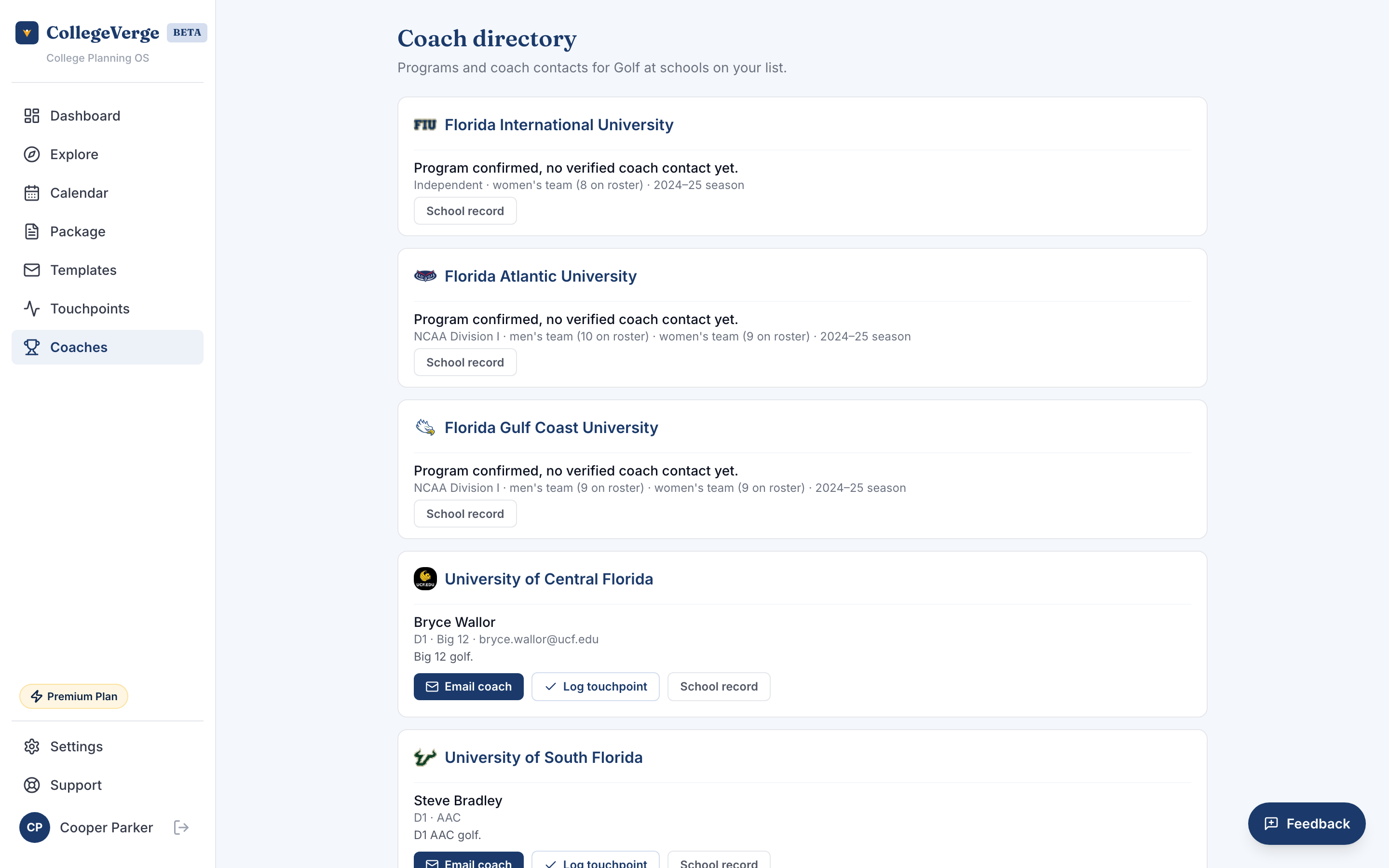
The default view is filtered to your sport and your list. Each school card shows the program's division and conference, plus every verified coach contact we have, labeled by role and team, for example "Head Coach, Women's Soccer". You can narrow the view by division (NCAA D1, D2, D3, or NAIA) or by conference. What you see for each school depends on how far that program's record has been built out:
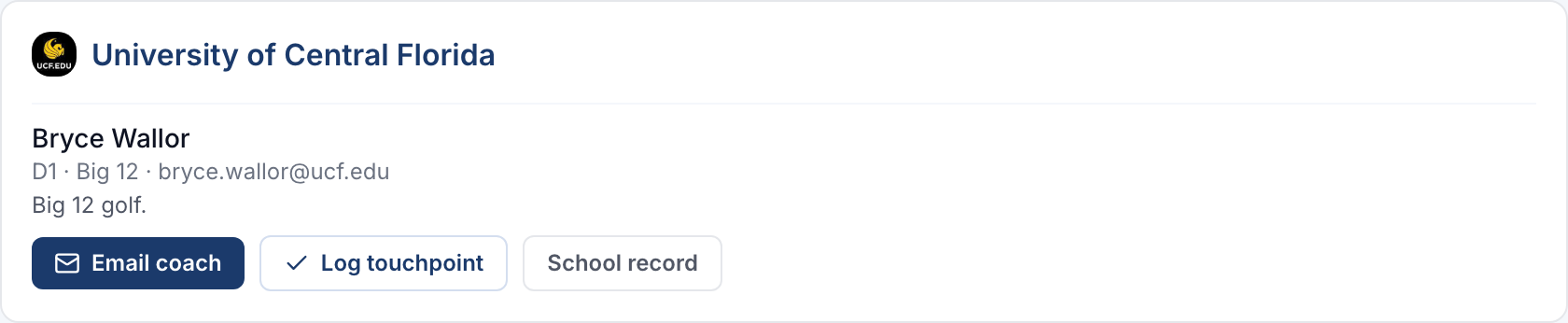
- Where a verified coach contact exists, you get the coach's name and role, email and phone where available, division and conference, and a short summary of current roster needs, for example what positions a program is recruiting.
- Where a verified contact does not exist yet, you still see the program confirmed, with its division, roster size, and most recent season, so you know the sport is sponsored before a named contact is ready.
All schools
Switch to All schools to search the full directory: every coach contact we cover, across more than 700 colleges, whether or not a school is on your list. Search by school name, pick a sport, and narrow by division. Schools not on your list are marked, and you can open any school's record to add it. Emailing a coach and logging touchpoints stay tied to your list, so add a school first if you want to track outreach to it.
How to use it
- 1Set your sportMake sure your sport, position, and division target are set in Settings. The directory filters on these.
- 2Find the right coachesOpen a school to see its coaching staff and roster needs, or search All schools to scout programs beyond your list.
- 3Reach out wellUse a coach contact template so your stats and highlights are included and the message sounds like you.
- 4Track itYour outreach is logged in Touchpoints so you can follow up at the right time.
Coaches scan fast. Put your graduation year, position, key stats, and a highlight link up top. Make it easy to see whether you fit their roster.
Where the data comes from
Sponsorship, division, roster size, and season come from the U.S. Department of Education's Equity in Athletics survey, which covers more than 1,250 schools and refreshes each year. That coverage is broad, so a program showing up without a named coach is not a gap in your record; it simply means the sport is confirmed but a verified contact is not on file yet. The named contacts are the editorial layer we are still expanding. Check back as it grows, or add more schools to widen your options.