Getting started
Welcome to CollegeVerge. This page gets you from sign up to a working school list in about ten minutes. If you only read one guide page, read this one.
What CollegeVerge does
CollegeVerge helps you decide where to apply, stay on top of every deadline, and communicate with admissions offices and coaches without losing track of anything. It sits alongside the tools your school already uses. It does not replace your counselor, MaiaLearning, or the Common App. Think of it as the place where your whole process lives in one view.
Step 1: Finish onboarding
The first time you sign in, a short setup wizard walks you through five quick steps. Your answers power your fit scores and your starter list, so it is worth a few careful minutes here.
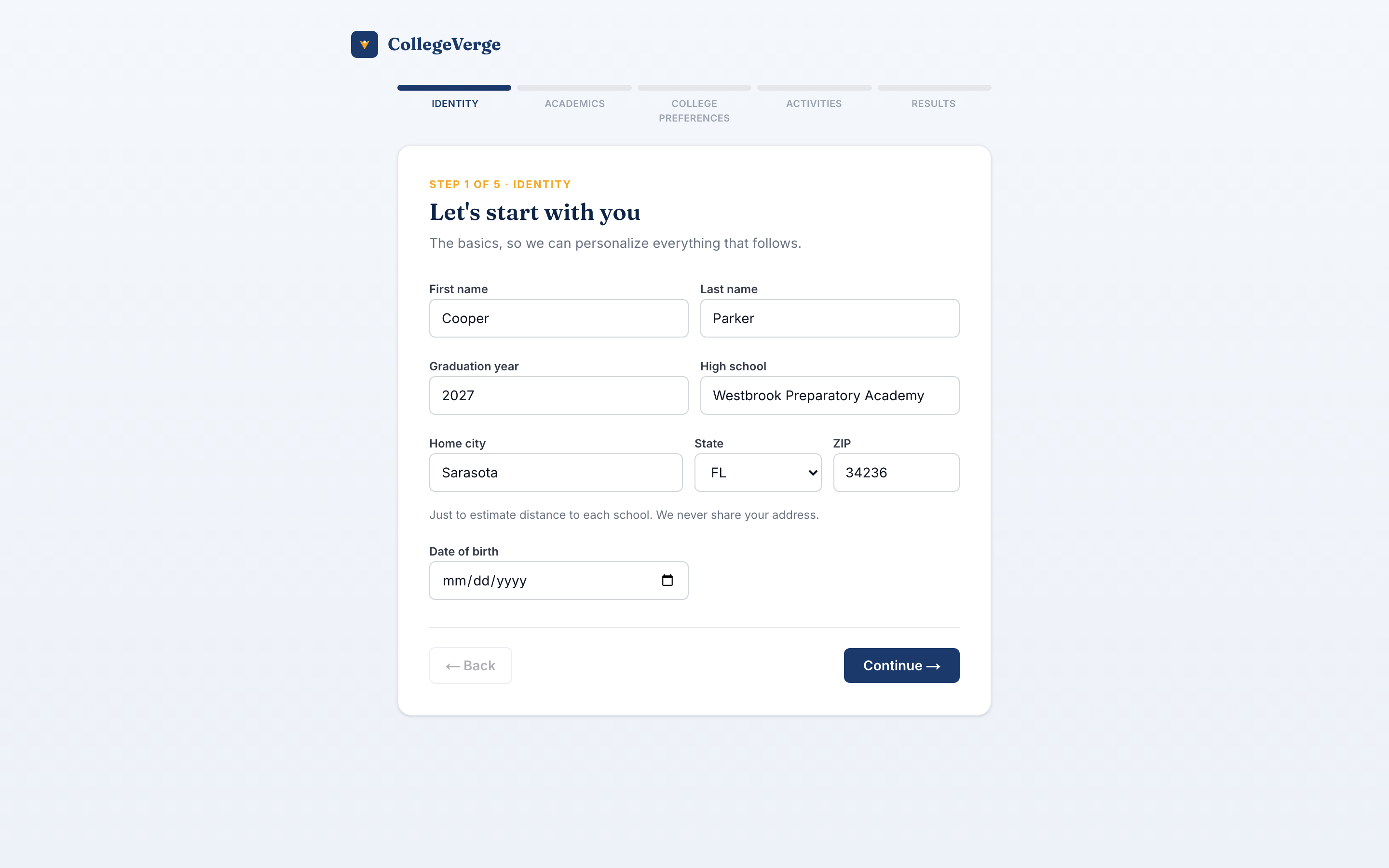
- 1IdentityYour name, graduation year, high school, and home location. Location lets us calculate distance from home for every school.
- 2AcademicsYour GPA, any test scores, and how many AP, IB, or Honors courses you have taken. This drives your fit scoring.
- 3PreferencesRegions you like, how far from home you will go, school size, setting, and budget. These shape your recommendations.
- 4Activities and athleticsAdd up to ten activities. If you are a recruited athlete, turn on athlete status and add your sport, position, and division target.
- 5ResultsWe generate a starter list sorted into fit categories so you are not staring at a blank page.
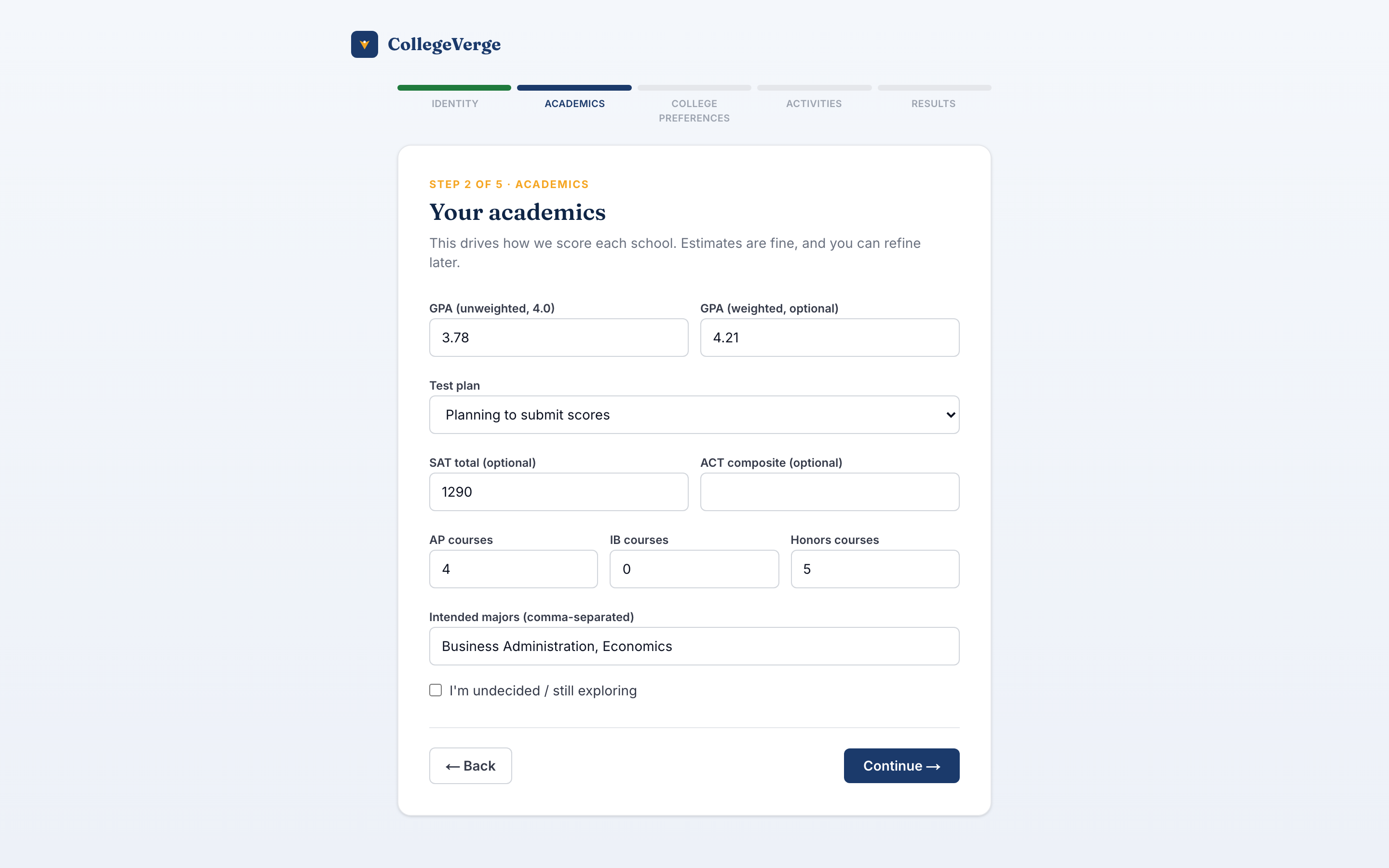
None of these answers are locked. Update your academics, preferences, or athlete details anytime from Settings, and your fit scores recalculate.
Step 2: Review your starter list
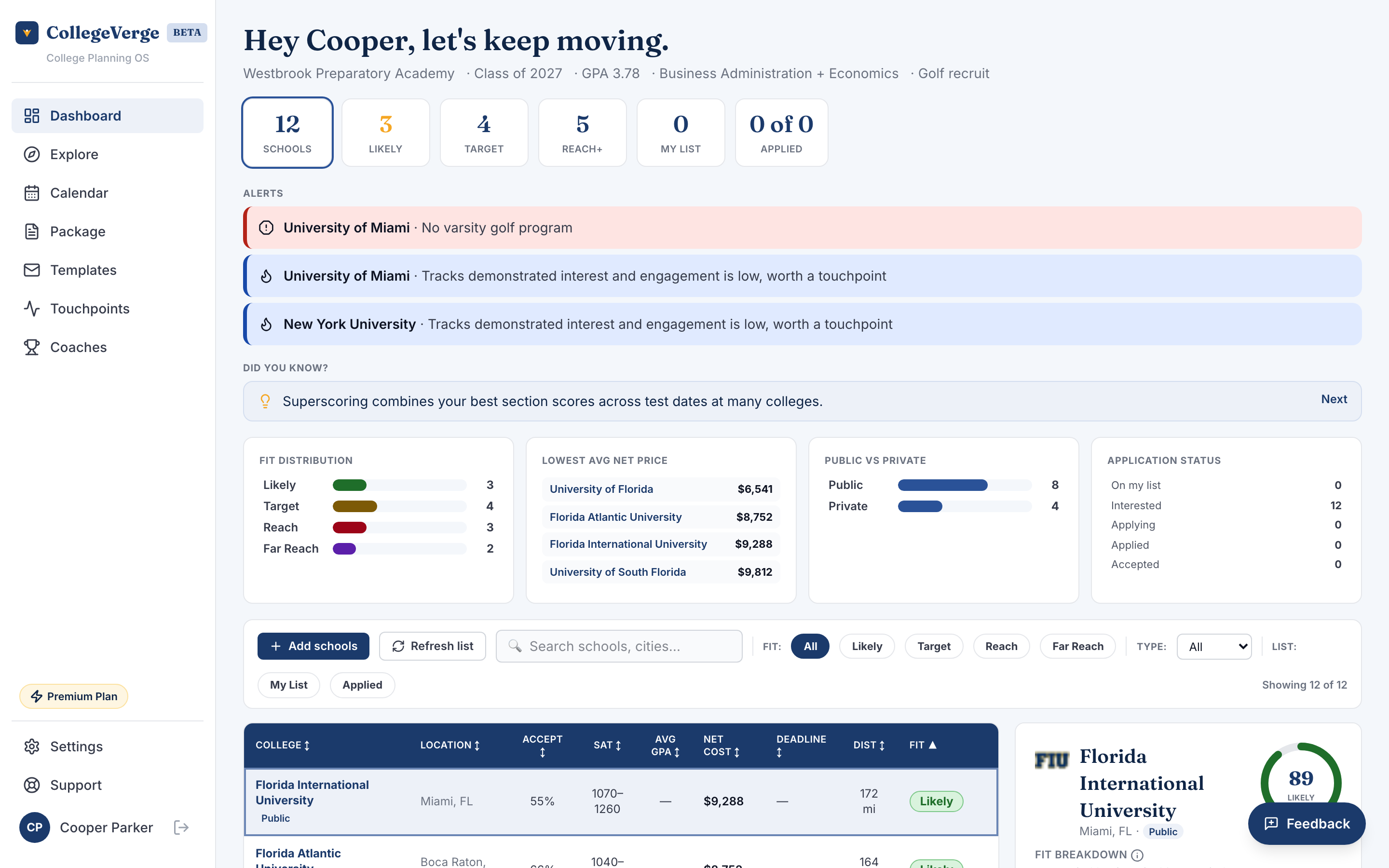
After onboarding you land on the Dashboard with a starter list already built. Each school carries a fit badge so you can see at a glance how reachable it is. The badge is student relative, reading your academics against both the school's admitted profile and how selective it is.
| Badge | What it means |
|---|---|
| Likely | Your academics are at or above this school's admitted profile. |
| Target | You are in range. A realistic, well matched school. |
| Reach | Possible, but you are below the admitted profile. |
| Far reach | A long shot based on the numbers. Worth a spot or two, not your whole list. |
Read the full breakdown in Understanding fit.
Step 3: Add and adjust schools
Use Explore to search the full college database and add schools that interest you. As your list grows, set a status on each school (interested, applying, applied, and so on) so the Dashboard always reflects where you actually are.
If you are under 18
CollegeVerge follows the rules for student privacy. If you are between 13 and 17, we ask for a parent or guardian email during onboarding and send them a quick approval. You can build your profile and list right away. Emailing schools or coaches and sharing your package stay paused until a parent approves your account. Students under 13 cannot create an account.
Choosing a plan
You can do a lot on the Free plan. Paid plans raise your school limit and unlock the communication and tracking tools. For current pricing, see the Plans page.
| Plan | Schools | Highlights |
|---|---|---|
| Free | Up to 5 | College detail, fit scoring, deadlines (read only) |
| Standard | Up to 12 | Everything in Free, plus templates, touchpoints, communication package, resume PDF, parent portal |
| Premium | Up to 25 | Everything in Standard, plus AI essay feedback, AI interest letters, coach directory, NCAA tracker |
Throughout this guide you will see a Standard or Premium badge next to features that need a paid plan. Click any badge to see plans.
Where to go next
- New to the app? Read the Dashboard guide next.
- Want the short version? Scan the Quick reference.
- Have a specific question? Check the FAQ.