Calendar
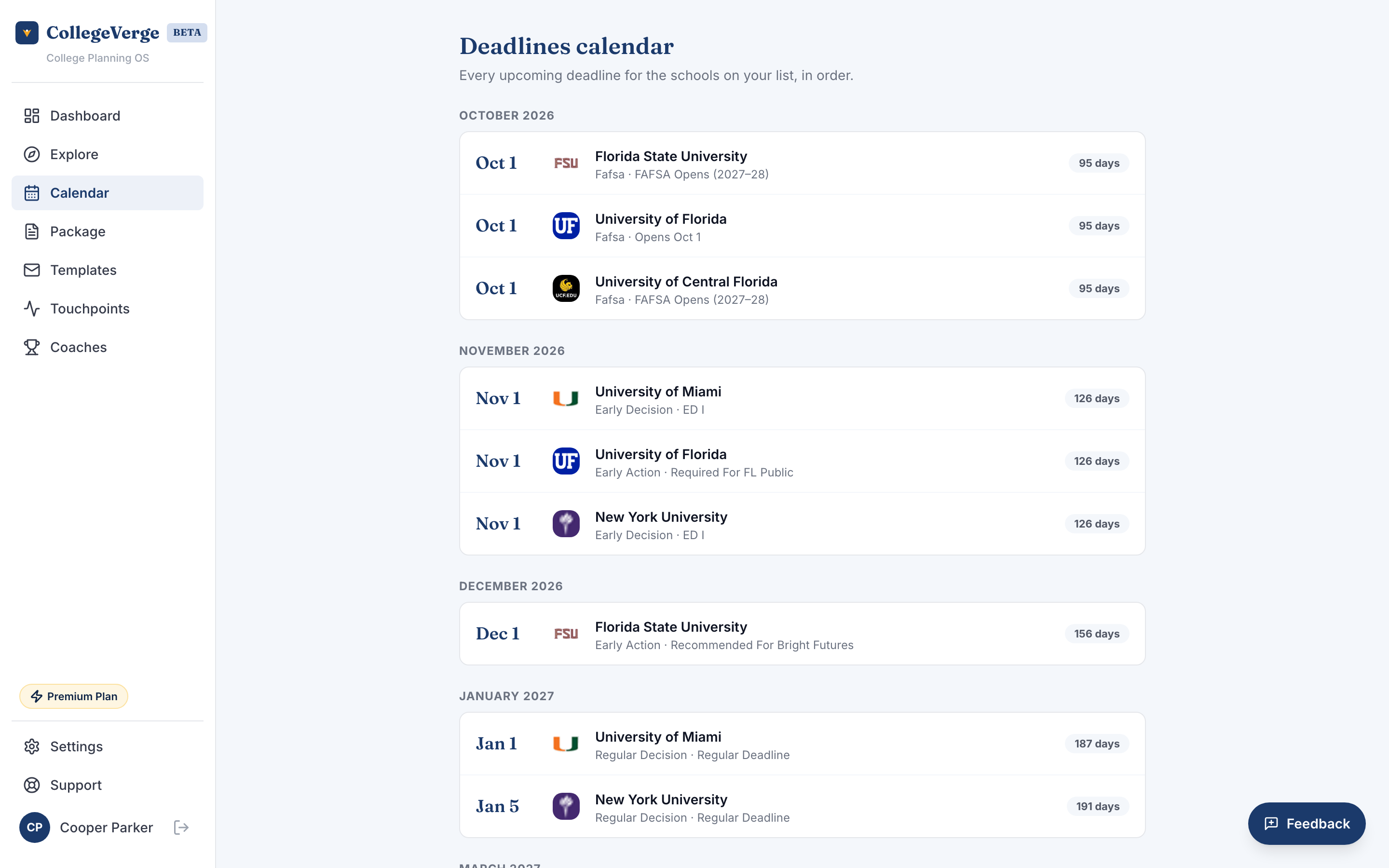
Calendar is a single timeline of every application deadline for the schools on your list, grouped by month and sorted earliest first. It answers one question fast: what is due next.
Reading the timeline
Deadlines are organized under month headings. Each row shows the date, the school, the deadline type (for example Early Action, Early Decision, or Regular Decision), and any notes. Anything due within 14 days carries a red countdown badge so the urgent items stand out.
Click a school name on any row to jump straight to its detail panel, where you can update your application checklist for that deadline.
What shows up here
Calendar reads from the schools on your list and the deadlines we have on file for them. Add more schools in Explore and their deadlines flow in automatically. If a school has no published deadline yet, it will not appear until one is available.
Calendar reflects official school deadlines. You do not edit dates here. Deadlines are visible on every plan. Email reminders as deadlines approach are on Standard.
Empty state
If you see "No upcoming deadlines," it usually means you have not added schools yet, or the deadlines for your schools have already passed. Add a few schools from Explore to populate the timeline.